
Turn real visits into social posts, reviews, and repeat engagement through simple QR and NFC campaigns that run every week.

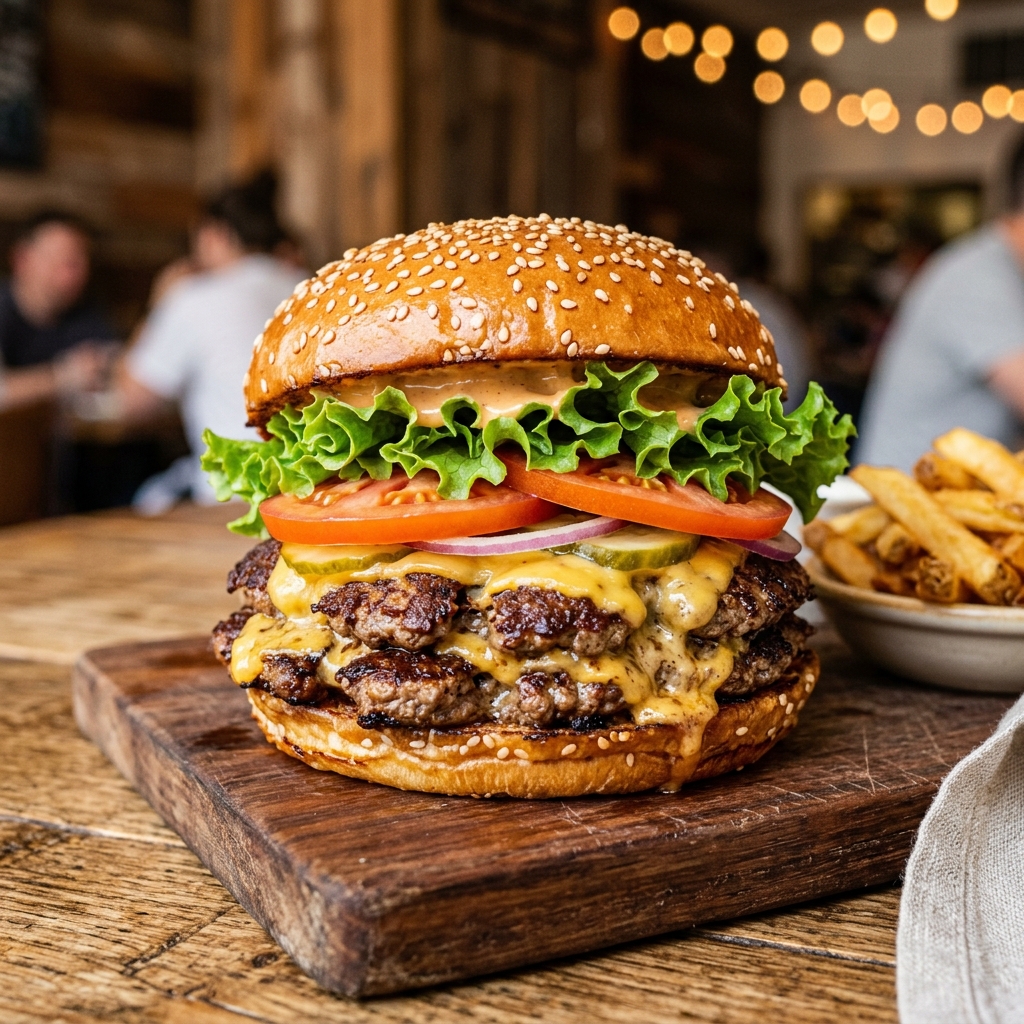
“Best burger in town. Will definitely be back!”
The Old Way
- You DM influencers / content creators
- You run ads. $500 gone. Nothing changed.
- You land one big collab. A reel. 50,000 views. A rush for the weekend. And then — silence.
The OwnTreat Way
We're not telling you to give up on influencers.
We're telling you you've been ignoring your most powerful marketers — the 40 people who ate at your restaurant today.
They don't have 100,000 followers. But they have friends. Real ones. And their friends trust them more than any influencer.
"Influencers give you a moment. Your customers give you a movement."
Every Phone is a Camera.
Every Camera is a Studio.
Give them a reason to post. A free cookie. A drink upgrade. 10% off. That's all it takes.
The math is simple:
50 customers a day. Imagine just 30% share their visit. That's 15 posts. Every. Single. Day.
Day after day, your customers spread your brand. Month after month, your reputation compounds.
One QR Code. Your Entire Marketing Engine.
Place it on your table. Stick it on your counter. Print it on your receipt.
No app. No signup. Just scan.
Run campaigns
Build your own word-of-mouth machine. Set the task. Define the action.
Build your presence
Every major platform, one place. Your links, your brand, your way.
Capture feedback
Know what your customers really think. Fix what matters. Double down on what works.
of Gen Z & Millennials visited a restaurant because of a social media review
Nation's Restaurant NewsThree steps.
Zero friction.
Place your QR code
Print your unique QR code and put it on tables, receipts, or your to-go bags. No hardware. No installation.
Guest scans, posts, earns
They scan, post, and redeem. Customers scan your QR, share a post or video, and instantly redeem rewards in-store — discounts, free desserts, or anything you set.
You collect everything
UGC videos, Instagram tags, Google reviews — and more, all in one system.
Start Free. Add Growth Support When You’re Ready.
Join before the end of this month to lock in free OwnTreat access for at least 1 year. If you want hands-on help launching in your store, add optional growth support.
Free Early Adopter Plan
Lock In Free Access for 1 Year
Join before the end of this month and keep your OwnTreat membership free for at least 12 months.
No credit card. No commitment. Use the product, launch real campaigns, and share feedback to help shape OwnTreat.
Included:
- Free for at least 1 year
- Set up in minutes
- Basic digital store page
- Free Store QR code you can print and display
Not included:
- NFC Tag / NFC Marketing Stand
- Poster design service
Limited early adopter spots. No credit card required.
30-Day Growth Plan
Cancel anytime
Launch Faster With Hands-On Support
For stores that want help setting up OwnTreat in real life — from NFC touchpoints to your first campaign materials — so you can start activating customers faster.
Included:
- 10 NFC touchpoints to turn in-store traffic into customer actions
- 1-on-1 launch setup to help you go live faster
- Guided setup for your first in-store campaign
- Campaign copy tailored to your offer and audience
- 1 custom poster design per month based on one in-store marketing goal
Cancel anytime. 10 NFC touchpoints are included once during your first month. Additional touchpoints can be purchased separately.